During a 3-hour car drive today, my brain got bored, and I started to think. This normally ends up being expensive, but this time, since I was driving, I used my time to ponder the question: Will nostalgia for technology still exist in the future?
I was born in 1979, so my childhood memories come from the mid-eighties up to the millennium (although I swear I have never really grown up!). During this period of time, technology was forever changing, and with each change came a giant leap in what technology was capable of. Each one of these jumps signifies a section of my life which I have become nostalgic for as I grow older. This isn’t just video games, but also music and video technology.
So now lets take someone born in the year 2000, we will call him Jim. Lets say Jims childhood memories go from 2006 to 2021. Obviously, technology was still changing continuously throughout this period, but everything always felt like a slightly incremental upgrade rather than a defining event in history. So will these upgrades still bookmark periods of time during his childhood like they did for me?
Let’s start digging into this 3-part journey with the obvious topic, home computing and gaming!
Home Computing and Gaming
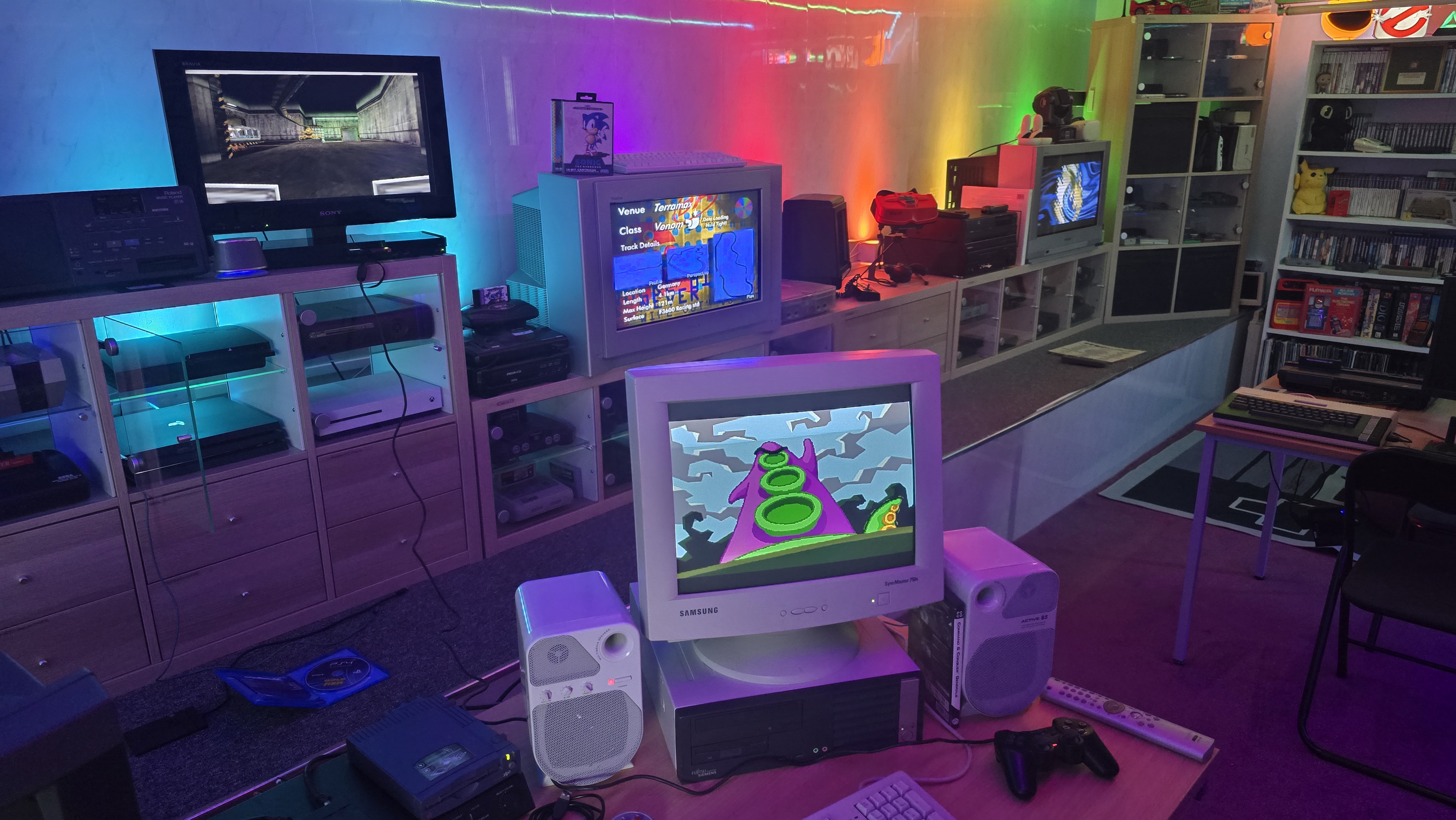
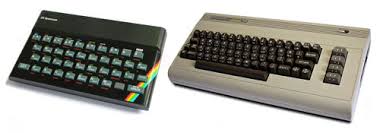
My journey in computing started with 8-bit home computers and specifically the ZX Spectrum 48k, the little rubber-keyed wonder. For many, this was the first time a computer entered the home. For me, it started a love of video games and later on also programming. The graphics were simple, the sound was beyond basic, but when combined with the power of the mind, I could sit in front of this little computer and go on adventures that I could never dream of. All it took was to power on the computer, load a cassette tape and wait for 5 to 10 minutes for the game to load. This sounds like torture, but to me, it made loading each game an event in itself. After spending that time loading a game, you would feel compelled to actually play it and try to complete it before your parents came along and powered it off for bedtime.
I also had a friend up the road from me who had a Commodore 64, which I used to spend ages playing classic games such as Ghostbusters and Donald Duck’s Playground. I always remember feeling slightly jealous of this system, with its lack of colour clash and that gorgeous SID music. But back then, it was the computer that you had at home that you fell in love with, and the Spectrum was what bookmarked all those childhood memories for me.
The rest of the 8-bit period for me was filled with the 128K +2 and then later onto the Sam Coupe. I was always in the home computer camp, rather than the console crowd. I didn’t just want to play games; I wanted to tinker with the system and learn how they worked. For many though, the 8-bit consoles also became a big part of their childhoods, with the Master System and the NES being popular options in the UK. Although I didn’t really know many people who had consoles at this time, I feel they became a bit more mainstream during the 16-bit generation.
I didn’t really have any 16-bit machines at home until later on in life, but a lot of my friends did, and this was the time of my life I spent visiting their houses and experiencing games on a whole bunch of different systems. I had friends who owned various home computer systems, such as Amigas and Atari STs, then the console friends with SNESs and Megadrives. These systems were amazing when they hit the market. A huge uplift in graphics capabilities and music that sounded like actual music rather than the bleeps of the past (Apart from the Atari ST, which seemed to have missed the memo and used the same sound chip as the Spectrum).
During this period, we also started to get TV shows in the UK dedicated to computer and video gaming. The two most notable were Bad Influence and Games Master. I used to watch these after school to check out the latest games and technology heading our way. One of the biggest moments for these shows was when they started talking about the upcoming next generation of super consoles. These would consist primarily of the Sega Saturn, the Sony PlayStation and the Ultra 64 (Later released as the N64). Yes, we also had the Atari Jaguar and the Amiga CD32, but it was fairly obvious from the beginning that these systems had missed the mark.
We were dazzled with videos of amazing visuals, full 32-bit 3D gaming. This was probably one of the biggest jumps in video gaming that I saw in my childhood, and it all became a reality for me shortly after the launch of the PlayStation. I went into Barnstaple, my local large town, and visited the Sony Centre. In the corner, they had a 28″ Trinitron CRT hooked up to the Sony PlayStation. A grey, futuristic-looking console that no longer looked like a kids’ toy, but instead would comfortably sit alongside your home entertainment setup. I crouched down and picked up the controller to experience my first game, a 3D spaceship racer named Wipeout. I remember flying around the track constantly crashing into the sides, then I went over a huge jump and almost fell over sideways.
A short while after this, a friend of mine got his very own PlayStation. It came packed with the Demo 1 disc. Hours of our lives were spent playing the various demos on the disc. The T-Rex demo, the Manta Ray demo, we spent an insane amount of time staring at these stunning technical wonders. Then there were the games, A robotic rabbit that we would come to know and love as Jumping Flash! Then there was Battle Arena Toshinden, where we would just randomly press all the buttons on the controllers as we had no idea what the combos were. I ended up with blisters on my thumbs from playing this game, just trying to get Fo to do his special move, where he seemed to be farting light orbs everywhere for some reason.
Shortly after my brother got his very own PlayStation, I was treated to my very own for Christmas. This was mainly to stop the constant arguments of me sneaking into my brother’s room when he was out to play on his.
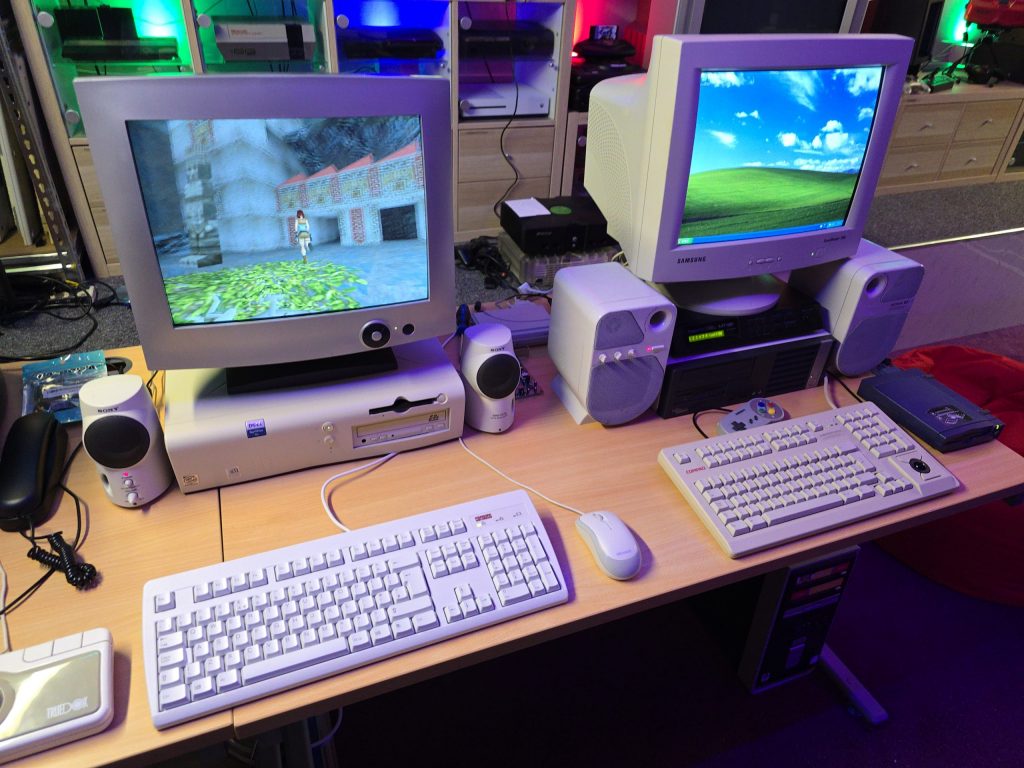
It was also during this period of my life that I started to get into PCs. I started with an Amstrad 286 that I got for £50 from a guy I knew via the CB radio, but it was already outdated when I got it, and I soon wanted more power. So I did some research and built my very own AMD-based 75MHz PC. This then started a lifelong love of PC tinkering. Owning a PC during this time also enabled other modern technologies, such as the Internet. I used to wait until my parents had gone to bed so that I could take over the phone line, then dial up to the internet and explore a whole new world. Although I had to do it as quickly as possible because at the time, it was costing 2p per minute in phone calls. But once Freeserve came along with an 0800 number freephone dial-up service, I was then permanently connected and had to have my own phone line installed in my bedroom to free up the house phone.
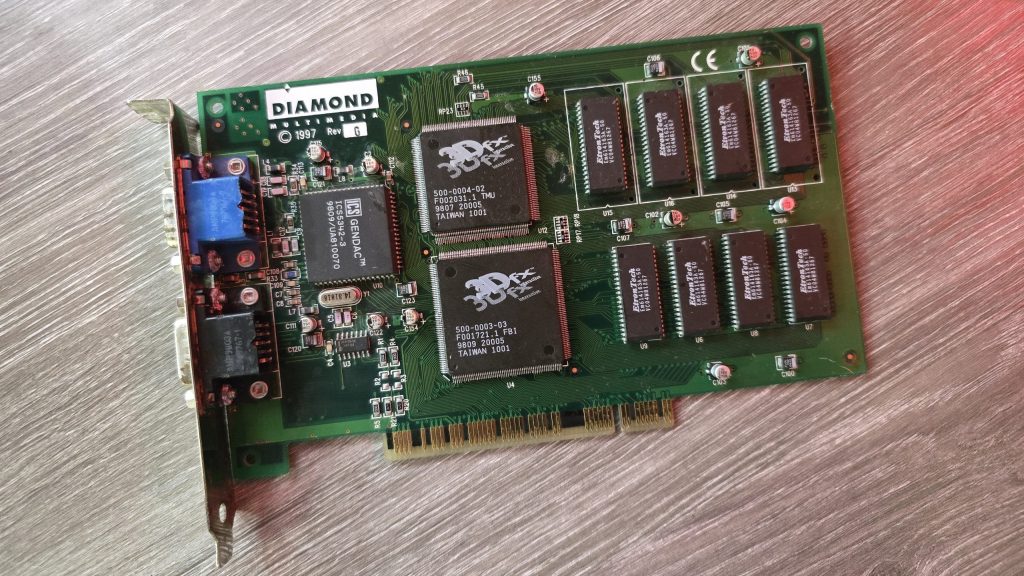
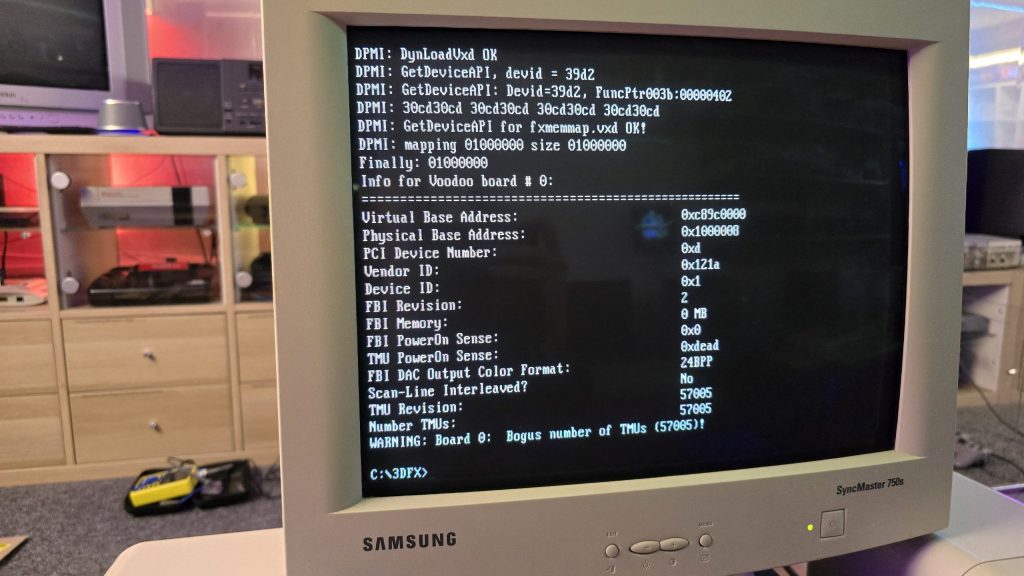
Around this time, my PC tinkering hobby started to combine with my newfound love of consoles. Emulation was one of the new technologies that made me try to always keep my PC upgraded to the latest and greatest CPUs and GPUs. The ability to now run the 16-bit console games on my home PC was some sort of witchcraft. This then started the obsession of trying to get downloads of every game available and to test them all to make sure my PC could run them smoothly. It feels like I must have played the first couple of minutes of every game in history, just to make sure all the graphical effects worked as intended and that I wasn’t dropping frames.
Another game-changing technology then appeared, the ability to burn your own CDs at home. This was shortly followed by a rumour that my friend and I discovered on the internet. Apparently, it was possible to copy PlayStation games and then get them to load by swapping the discs in a specific order along with an original game. Surely this couldn’t be true, but we copied a game, and I sat there on the floor trying to replicate this trick. It didn’t seem to be working, and we were about to write it off as a hoax when suddenly I realised my game was booting. After a few more attempts, I was able to get the copied games to consistently boot. Our mission to rent and copy every PlayStation game possible began at that very moment.
Although this was now pushing the term childhood a bit, the early 2000s saw the Sony PS2 make its appearance, and it offered another huge leap in graphical capabilities. Gone were the large blocky polygons, and in came smoother, crisper visuals and faster frame rates. We also saw the first proper open-world 3D games with the launch of Grand Theft Auto 3. To me, this really felt like the last meaningful jump in video gaming graphics.
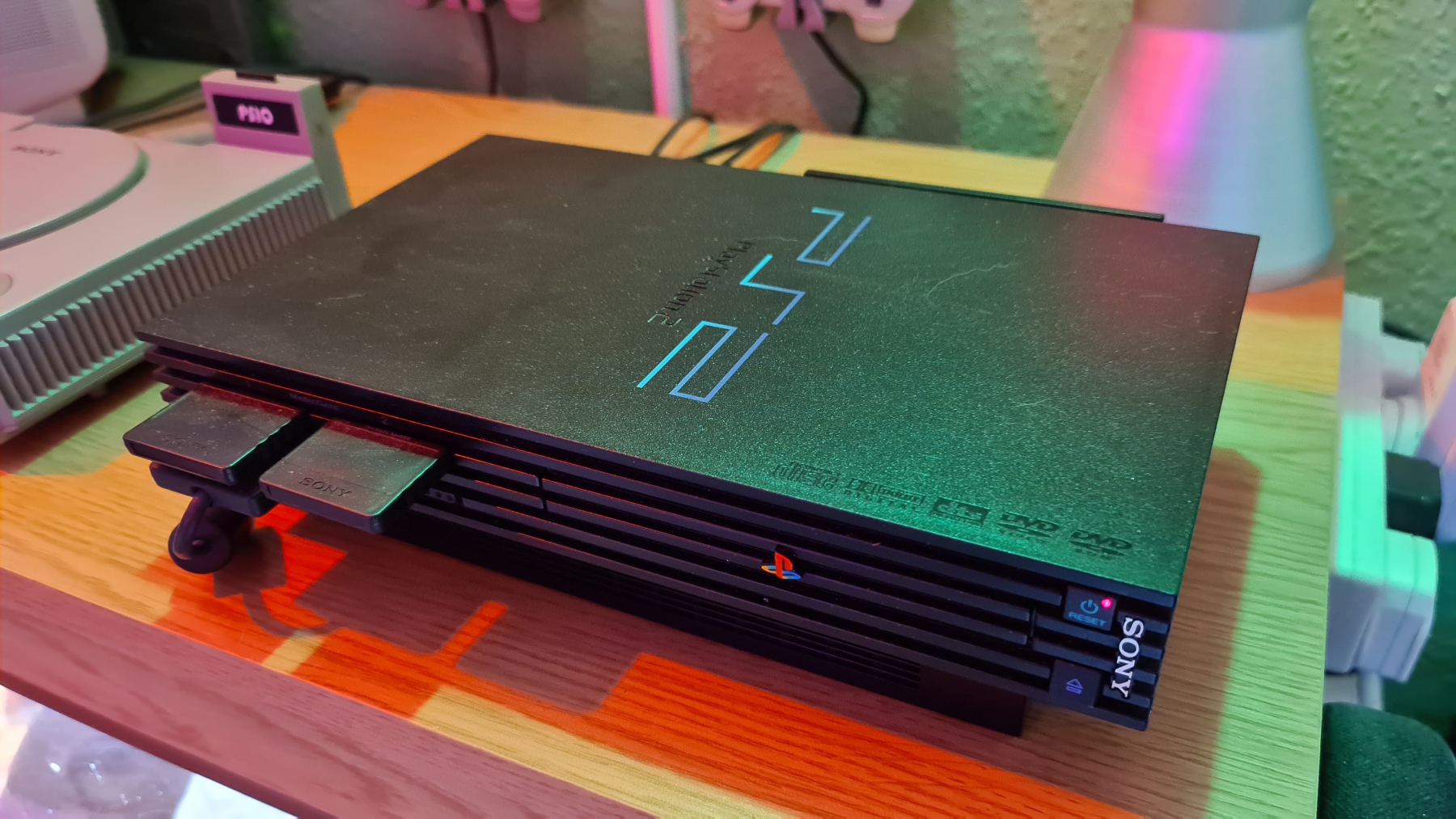
So now let’s take a look at the history of little Jim. By the time he got into video games, he was sitting in front of the Sony PlayStation 3, then moved onto the PlayStation 4 and finally onto the PlayStation 5. I know I’ve simplified this a bit, but let’s just summarise these two childhoods in a series of screenshots.
Here is my childhood summed up in video game screenshots:
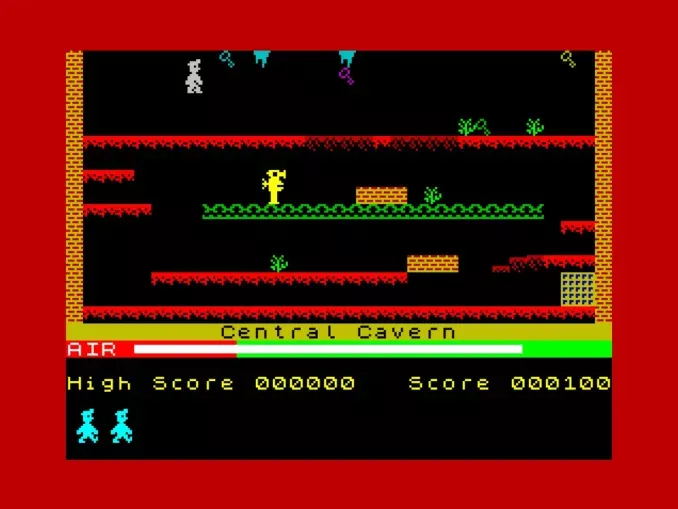
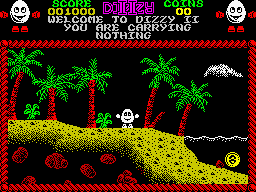
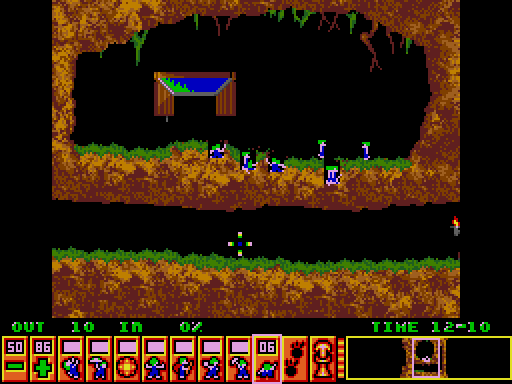
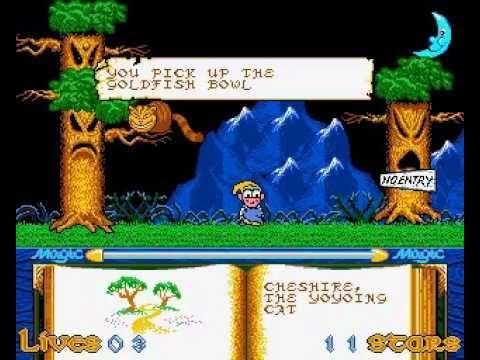
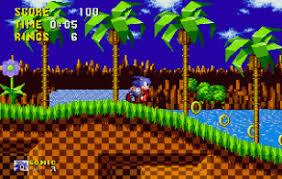
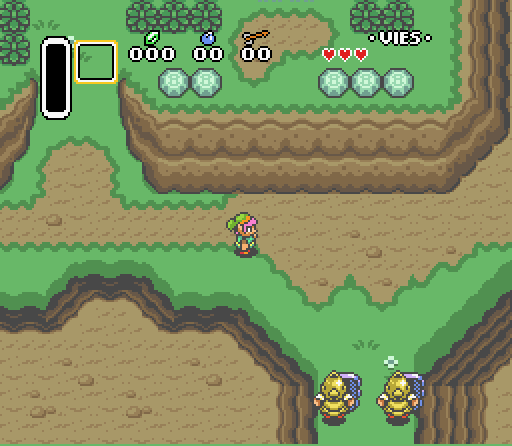
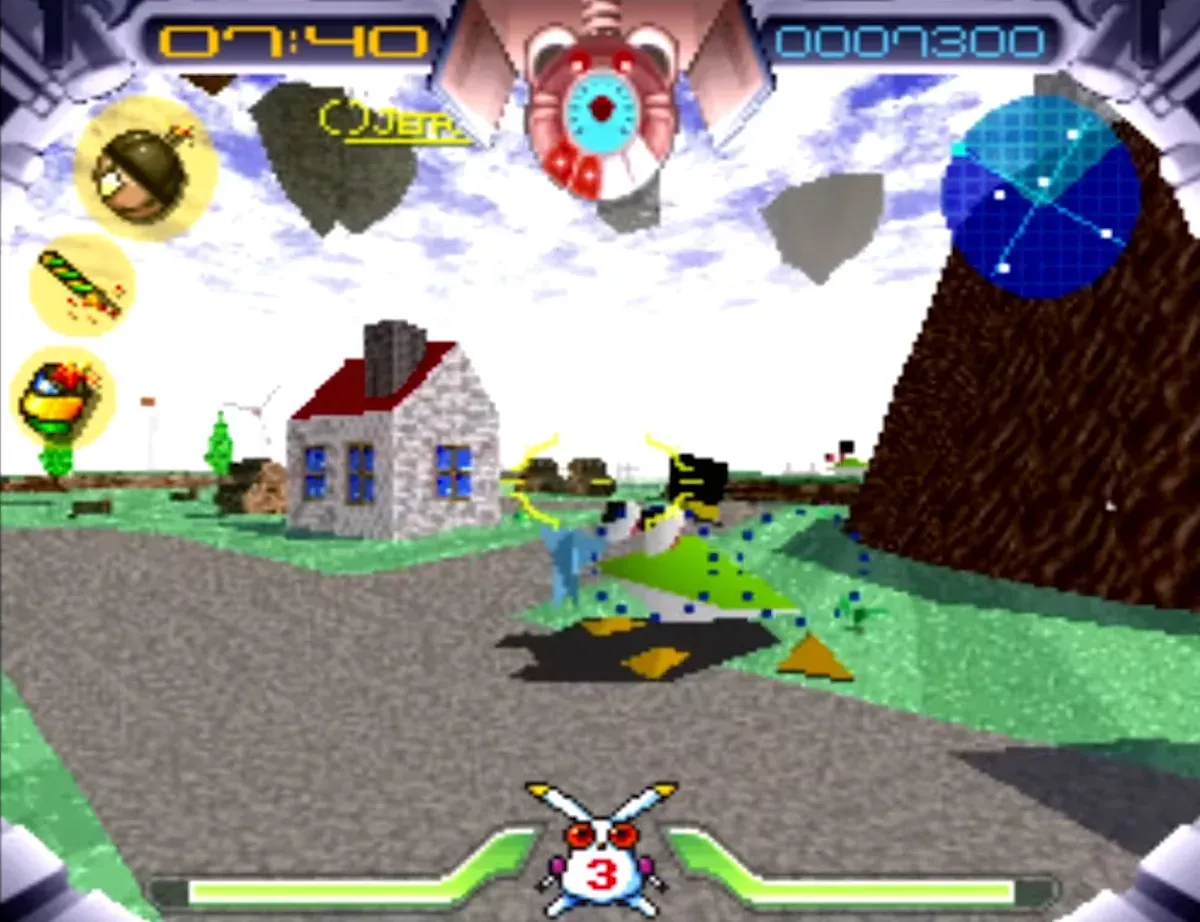
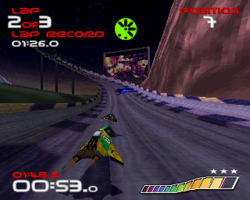
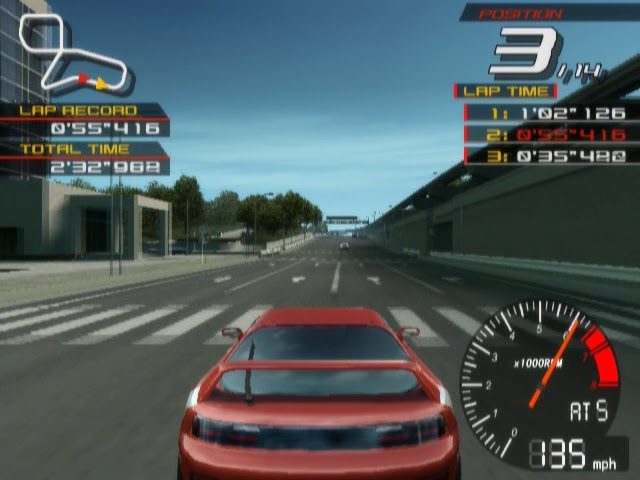
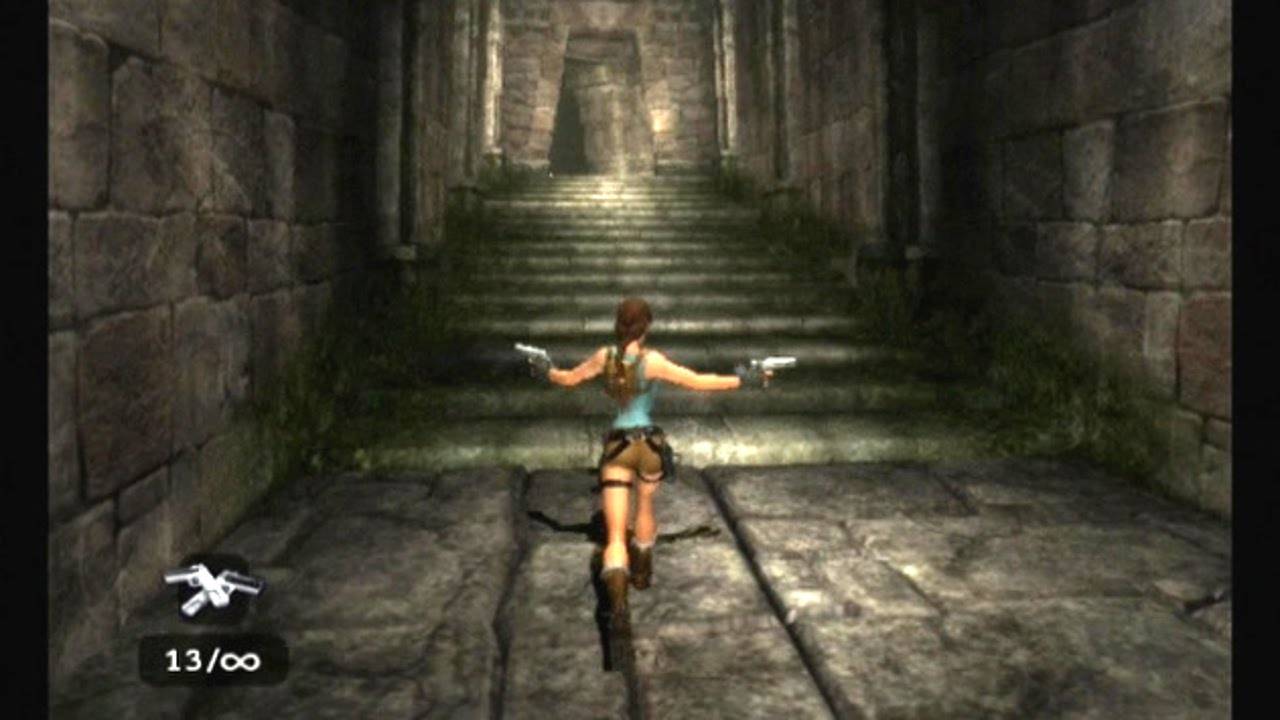
Manic Miner (Spectrum), Treasure Island Dizzy (Spectrum), Lemmings (Sam Coupe), Slightly Magic (Amiga), Sonic the Hedgehog (Megadrive), Zelda: Link’s Awakening (SNES), Jumping flash (PlayStation), Wipeout (PlayStation), Ridge Racer V (PS2), Tomb Raider Legend (PS2):
And now here is little Jims:
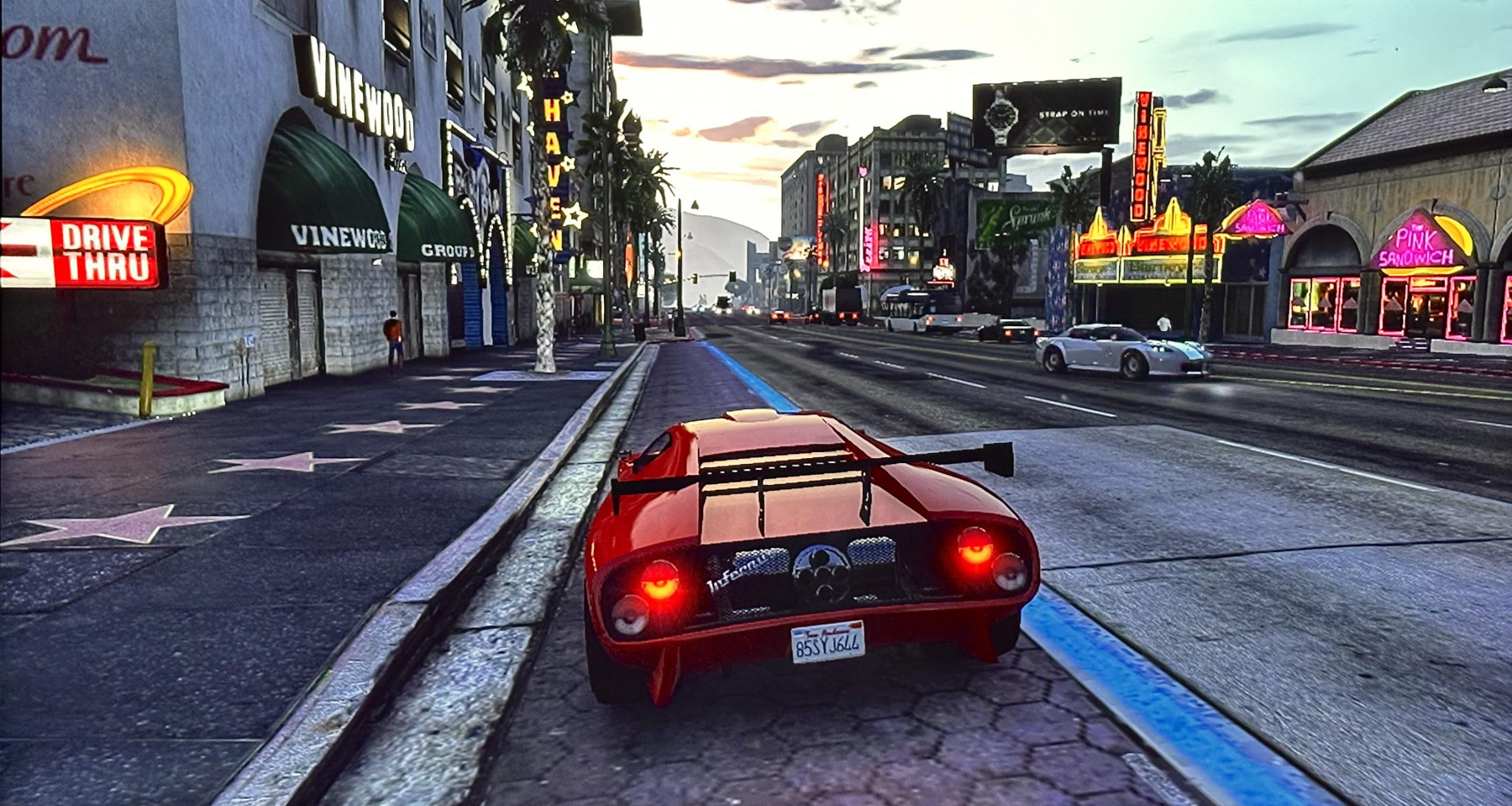
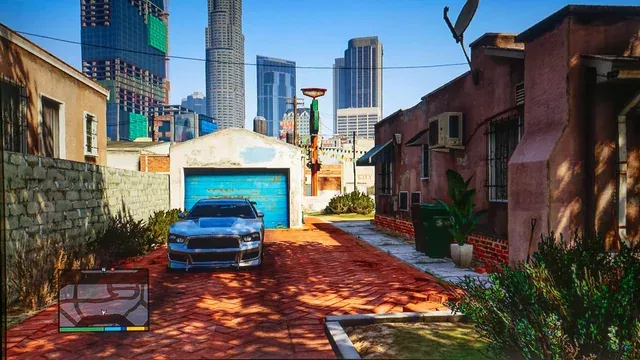
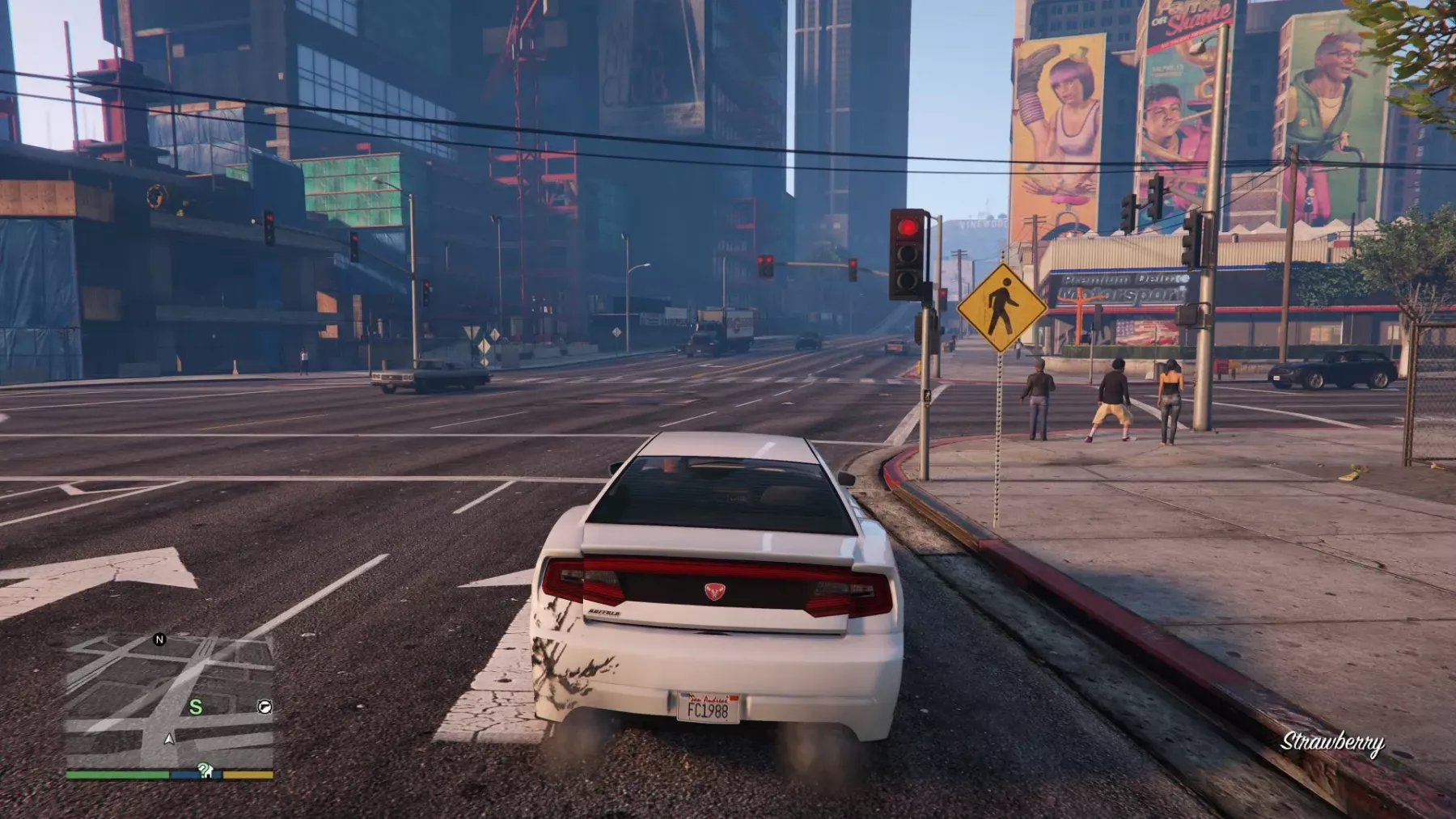
Grand Theft Auto 5 (PlayStation 3), Grand Theft Auto 5 (PlayStation 4), Grand Theft Auto 5 (PlayStation 5)
Now obviously, those timelines were done a bit tongue in cheek, and games have come along since GTA V, but I don’t think my thoughts are far off. Do the various generations of video games from 2005 onwards have the same defining moments as they did during my childhood? And do the younger generation have any nostalgia for slightly lower resolutions and 30FPS? It seems to me that if anything, the younger generations are actually borrowing our nostalgia, with a lot of them having a keen interest in the retro computers and consoles from our era. Is this because we had something that they no longer do?
I really do feel that I grew up during the best time in computing history, seeing everything move from something so basic to the amazing visual feasts we have today. I just can’t see that rapid evolution will ever repeat itself again.
Well, this was the first hour of my three-hour car journey. In the next part, we’ll take a peek into the evolution of music technology — how formats changed, how physical media evolved, and how our listening habits were transformed by streaming services.