Today I had a bit of spare time, so decided to take a look at a Spectrum 48K for one of my work colleagues. It had unfortunately been plugged in using an Acorn Electron PSU as he mixed up the power supplies.
The Acorn Electron uses a 19v ac power supply, where as the Spectrum uses a 9V DC supply. As you can imagine, the poor Speccy did not appreciate this very much.
First job was to check the voltage regulator. As expected, this was dead, so I swapped this out with a new 7805 regulator. Now we were getting a stable 5v output from the regulator.
Next step was to dig out the thermal camera and see what the system looked like powered up, I didn’t hook it up to a TV yet as I was pretty confident there were more issues I would need to solve first.
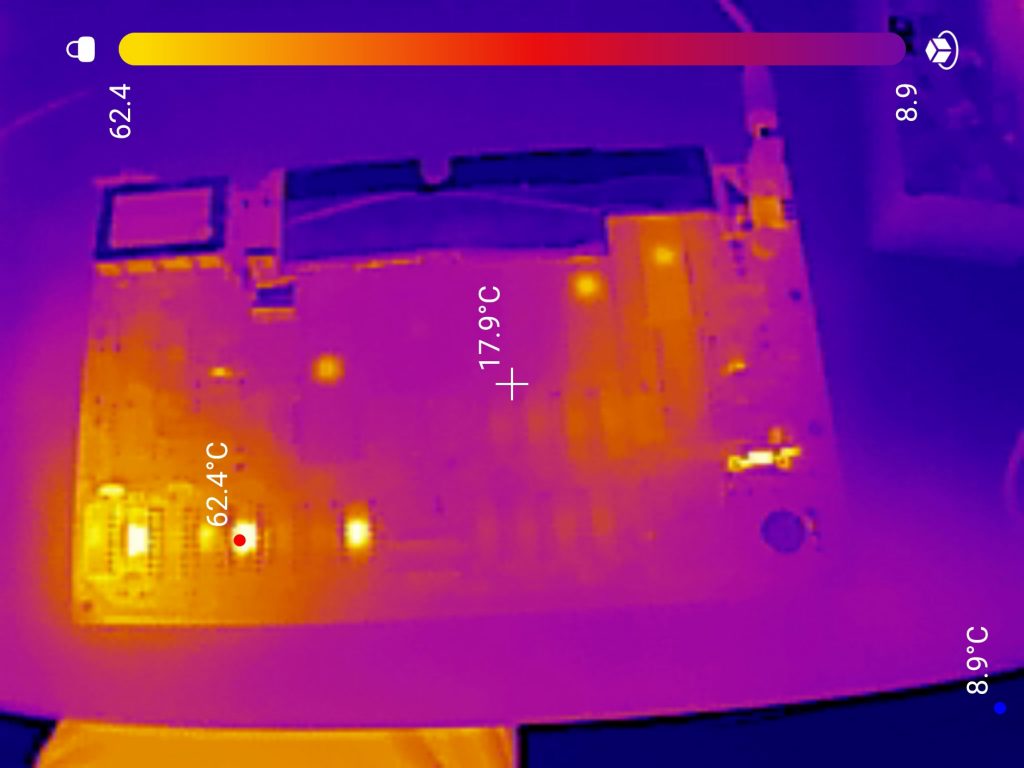
I forgot to take a photo the frist time around, so the photo above is after I had already replaced the far left RAM chip which was also getting very hot.
There were 5 chips in total that were getting pretty toasty. I socketed all of these and tested the removed chips, all of which tested faulty.
With the new RAM in place, I figured it was time to test the machine out. Even though no chips were getting hot now, some more of the RAM could have still been faulty.
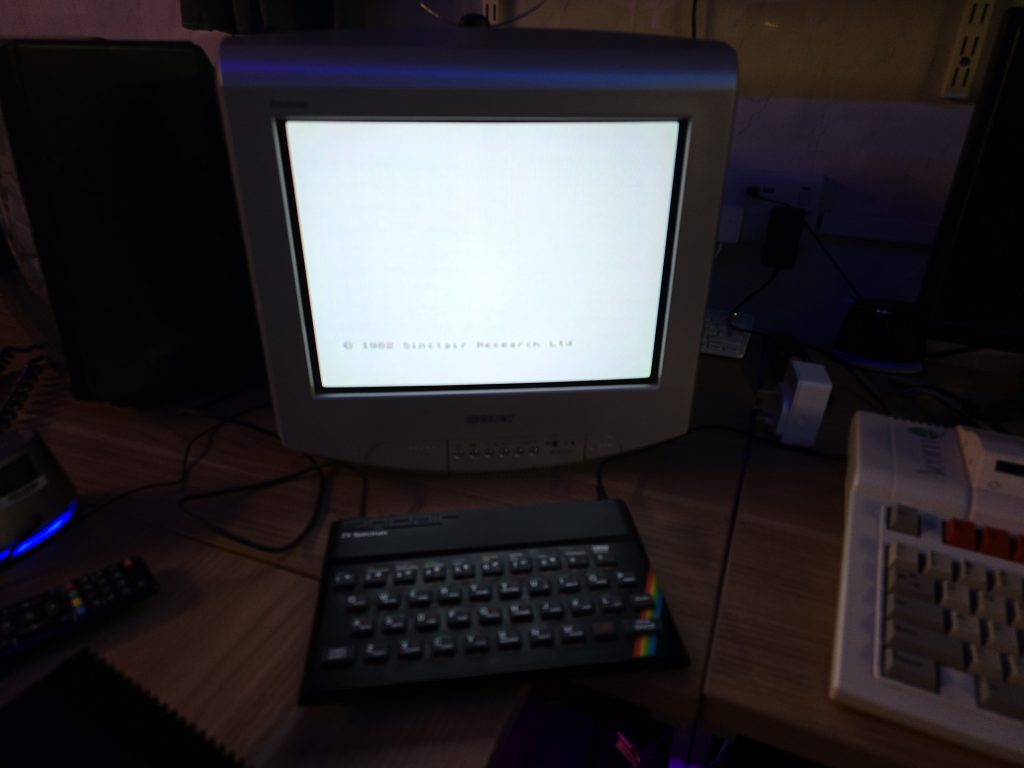
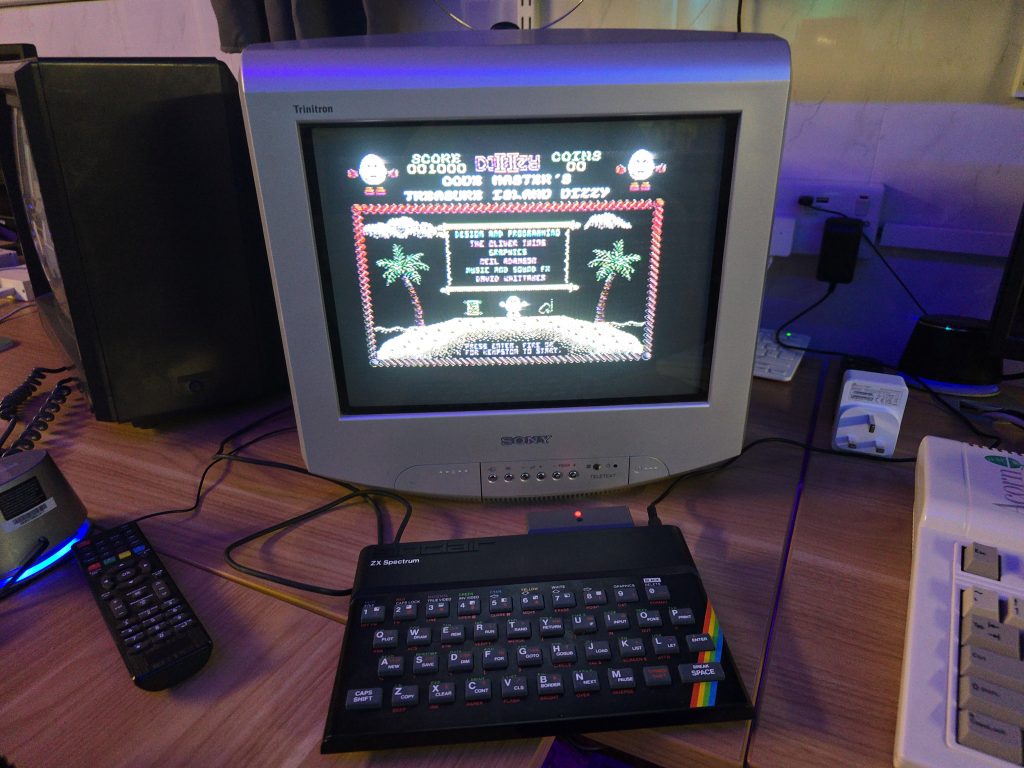
Luckily, In this case, that was not the case and the Speccy booted up, seemingly with no issues. I wrote a little BASIC program just to make sure it was executing code.
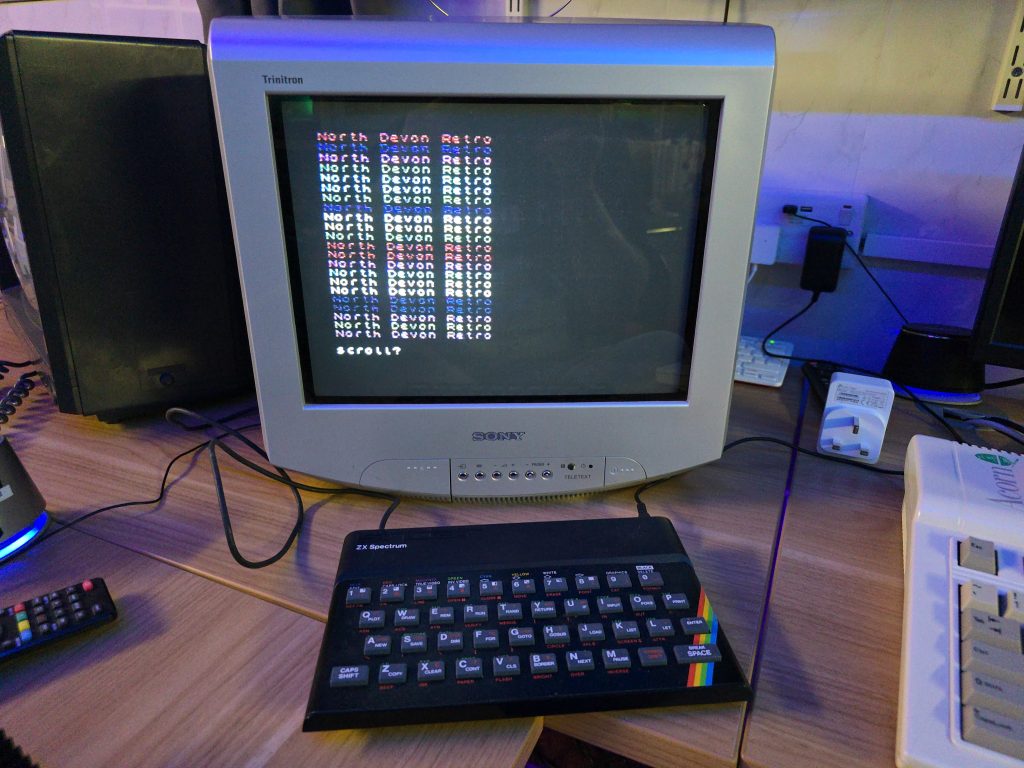
So far so good, but I wanted to test some games out. At this point I grabbed my DivMMC device and hooked it up. But here we ran into another issue. The DivMMC was not showing any life when connected to this computer. From previous experience I knew that the M1 line on the CPU can stop the DivMMC from working if it doesn’t function properly. And sure enough, I probed pin 27 on the Z80 and it was just sat there at around 2V, not doing anything.
Fortunately, I had some spare Z80s in stock, so i removed the Z80, and fitted a socket along with the replacement Z80.
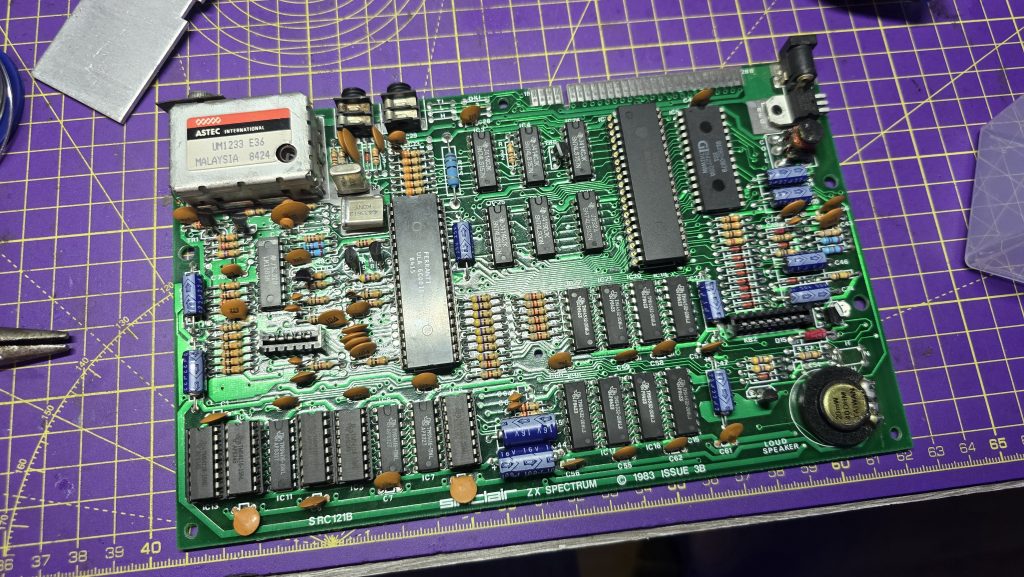
Finally we have a fully functional Spectrum again 😀
19v AC! Ouch! Nice job 🙂