Posted on Leave a comment

Toastrack!!! The Spectrum 128k

I have wanted one of these in my collection for ages but at around £200-250 for an unboxed one, I had decided to wait to see if a better offer came along. Typically two then came at once so I had to buy both of them!

The first of which arrived today. This one was the first purchase and I took a bit of a chance on this one. It was from an online shop that deals with retro computers/consoles. They advertised it as not working and said it may require a new ULA. I actually have a poor condition grey +2 sat in a cupboard somewhere so a new ULA wasn’t going to be an issue. So for £120 including next day delivery, I went for it as I thought it would be fun troubleshooting the issue and hopefully bringing it back to life.

Not only is it in great condition. But I plugged it in and it works perfectly! No issues that I can see whatsoever. I have no idea how they came to the conclusion that it was broken. The only thing I can think of is that maybe the RF output doesn’t work? I will have to test this as I am currently (and always will) using an RGB Cable.

So I think I ended up with a pretty good deal on this one. Hopefully, the second unit should be here in a couple of days and that one was fully working but needed a new keyboard membrane.

I have replaced the membrane in this one also as it is almost certainly going to die in the near future, they all do!

Posted on Leave a comment

Hello MiSTer

So if you have not heard of the MiSTer project (where have you been?) it is an open-source project that runs on top of the DE10 Nano FPGA board.

OK, so that probably doesn’t help you understand much about it. An FPGA is a Field Programmable Gate Array. What this means is it is basically a chip that you can re-program how it behaves. So imagine you have a Sega Megadrive, inside there are a bunch of chips and a processor that make the console work. With an FPGA and a lot of time, you can re-construct all of that hardware within the FPGA so it will now behave in the exact same way as the original hardware.

The main benefit of all this, is in theory, any core running on the MiSTer should be more accurate than software emulation.

For me however, the reason for buying one was that it looked fun to mess around with. Normally you need to buy the DE10 Nano and then buy a couple of additional parts such as extra memory, an I/O board and an analogue output board (if you want to connect it to a CRT for example).

Recently though, RMC Retro have announced their Mister Multisystem board. This board contains all the additional parts you need and combines them all into a console form factor. They have even designed a case for the unit that can be 3D printed https://rmcretro.store/all-products/

I have already pre-ordered my board which should arrive next month, so I will update you all once that arrives. Until that day though, I have been messing around with some of the basic cores on the MiSTer and also 3D printing the case ready for the new board.

Since the case design obviously took some inspiration from the PC Engine, I decided to stick to the same theme and went with a white colour case with a PC Engine style logo I designed and cut out using my vinyl sign-cutter.

I also have some white Playstation DualShock 3 controllers on their way along with some wireless USB adapters to link it all together. To finish it off I have a white wireless USB Keyboard with built-in trackpad. With that setup I should be able to play all of the MiSTer cores, both consoles and retro computer systems.

This is going to be a fun one 🙂

Posted on Leave a comment

XBOX One S

I know this is far from retro, but if I add it to my collection now, it saves my having to do it in 20 years when it will cost 3 times the price!

Anyway, considering I have the original XBOX and an XBOX 360, it only seemed right to add an XBOX One to the collection. And at least I can play some of the XBOX exclusive games that I missed out on being a Playstation fan.

This is a fully boxed and as new, XBOX One S with 1TB Hard Drive. Hopefully one day a decent exploit will come out for this and we can fill that drive full of the best titles 🙂

Posted on Leave a comment

PC Engine GT Handheld

Well since I had a PC Engine in my collection now, along with a flashcard, I figured it would be rude not to get the PC Engine handheld console also since they can share the same game cartridge.

Looking on eBay I found one for a reasonable price and made an offer which was auto declined so I left it at that. A few days later the seller out a generic offer to people watching the listing, this gave me the option to send another counter offer which I was expecting to be auto declined again, but this time it was sent to the seller for consideration which he accepted.

So here it is! The PC Engine GT 🙂

I had done a bit of reading up on these before purchasing, and one thing that was clear was that it would need to have the capacitors replaced if it was going to survive. So I purchased a capacitor kit for the unit from console5.com

I could have sourced them all myself but knowing this pre-made set would have every value I needed, just made life a little easier.

My next step was to open it up and get to work. This is actually the first console I have tried recapping, and although I have all the required tools it was still going to be a bit of a learning curve. It all went well but I did run into one issue where it seems at some point in the past this console has had a “repair” done to it previously. The audio capacitors had all been replaced with standard through-hole capacitors rather than the surface mount ones. My original plan was to swap these out with the new SMD ones from the kit, but this is when I realised, whoever had done this repair had ripped all the solder pads off the board! I expect this is why they then went with through-hole capacitors so they could fix their mistake.

After carefully working around this bodge job and replacing the remaining capacitors, everything was cleaned and re-assembled. I now have a nice condition, working PC Engine GT which will hopefully last for a few more years to come.

What a great handheld this is! I can’t imagine how amazed I would have been if I had seen one of these back in the day. Even the display on it is pretty good and clear compared to the absolute garbage that was the Sega GameGear.

Posted on Leave a comment

New for the collection, The PC Engine DUO

I have always wanted a PC engine in my collection but for a while, I settled with the PC Engine mini console to get my PC engine fix. Well, now I have the real thing finally. I went for the PC engine DUO which is a Japanese version of the PC engine with the CD-ROM attachment built into it so it can play games from both CD and the HuCard slot.

Games for the CD part of this console can just be burnt to CD as they had no copy protection and were also region free. I have also ordered an SD-Card solution for the HuCard side of things so will see how well that works when it arrives.

For an 8-bit console, the PC Engine certainly does a good job in the graphics department, many of the games have a very much 16bit feel to them. Will be fun going through the library to see what is out there.

Posted on Leave a comment

Gamecube Gameboy Player

Rather than a new console, this update is for a new accessory. The Gameboy player, as it suggests, allows you to play Gameboy/Color/Advance games on the Gamecube.

I picked this up from eBay for a reasonable price as it was the unit only without the required disc. But since my Gamecube is modded I can run the GBI software instead which is a community version of the player software and is apparently better in every way anyway.

The unit sits underneath the Gamecube and utilises the ports on the bottom of the Gamecube. A very nice subtle upgrade.

Now when the batteries run out on my Gameboy Advance, I have the option of switching to the big screen and continuing my game from where I left off. The picture quality is also pretty good coming through the OSSC and into the plasma TV in the bedroom.

Posted on Leave a comment

GBA SP IPS Screen Mod

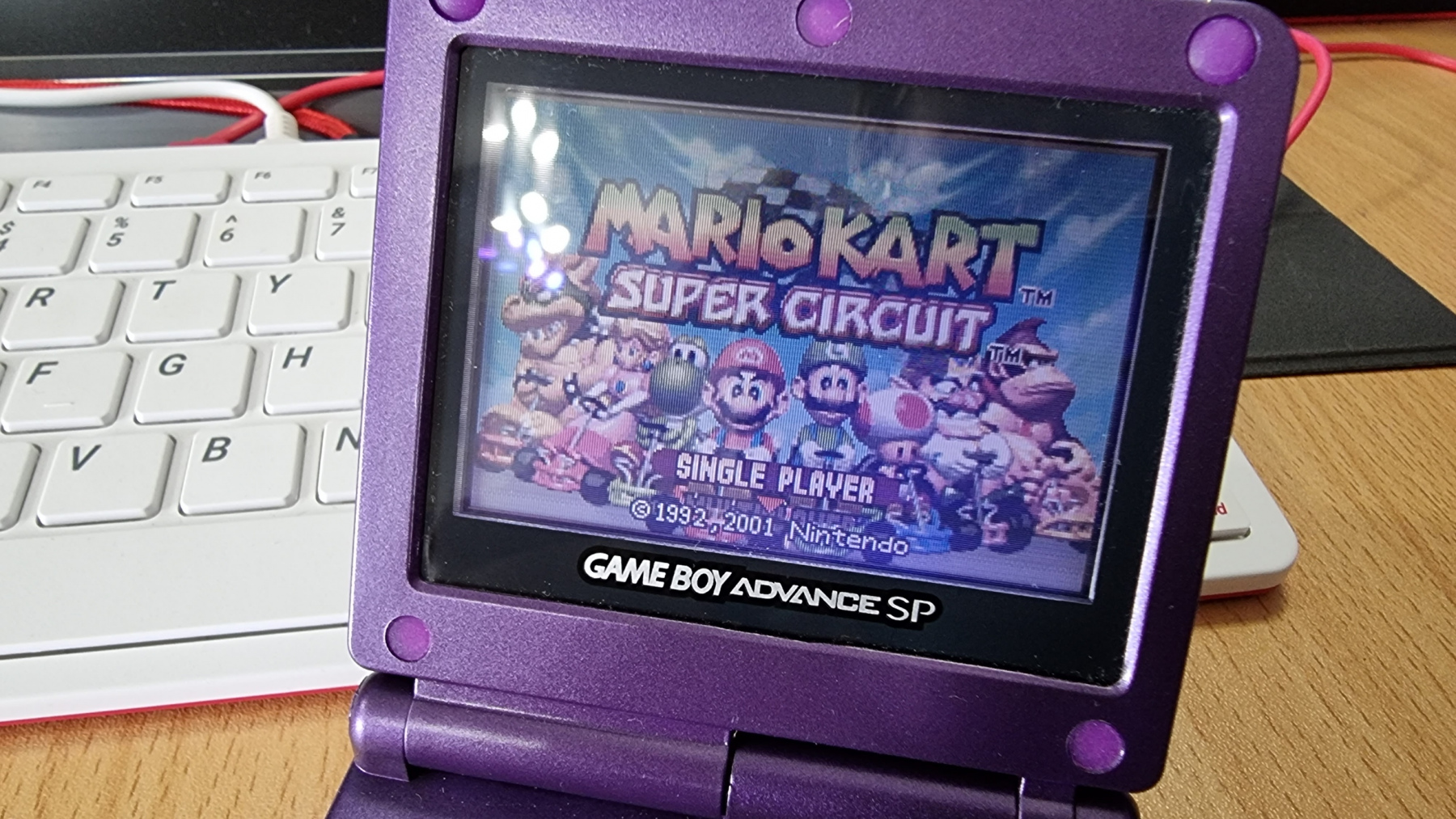
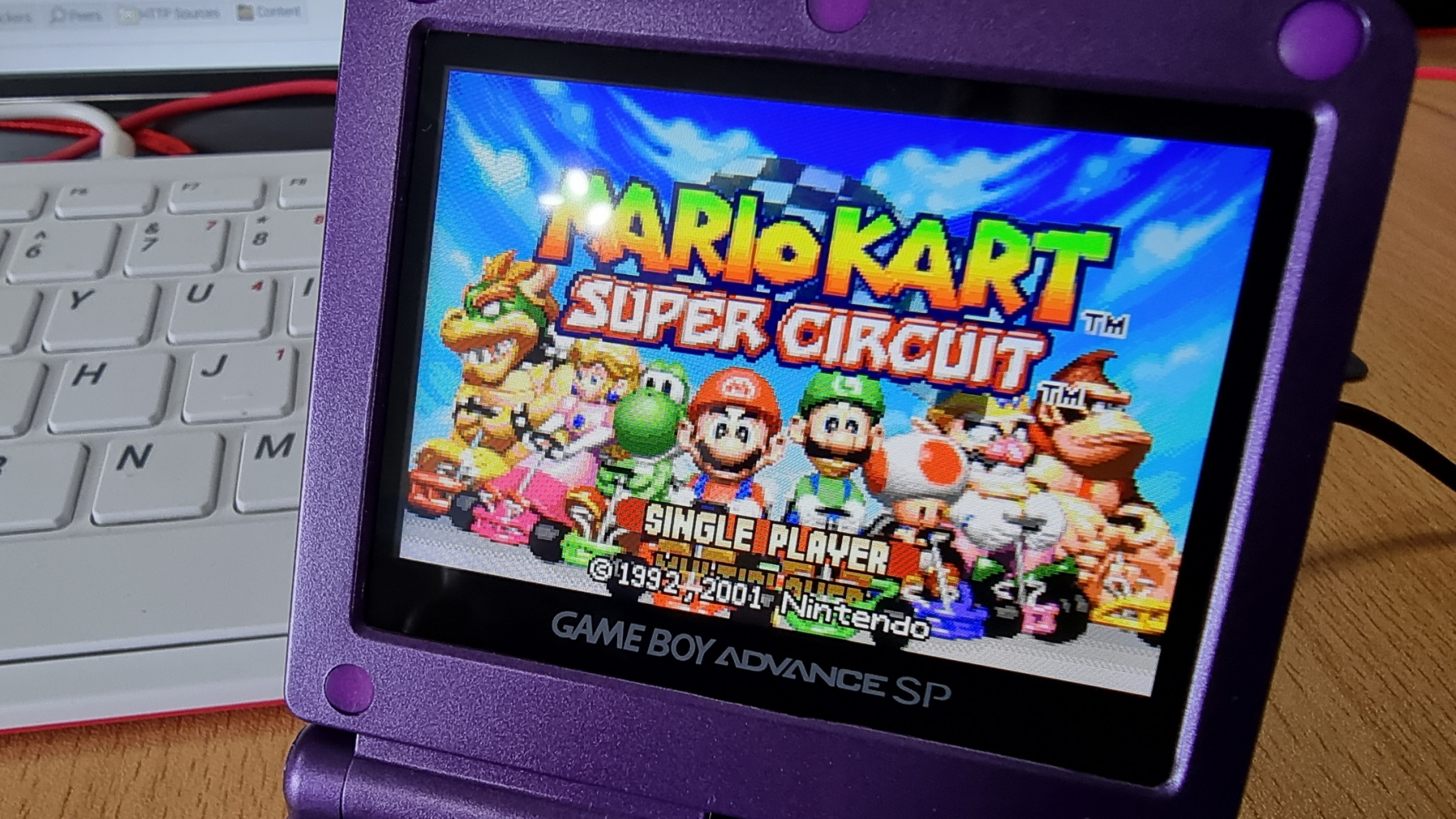
After fitting a new case to my £4 car boot find GBP SP, it was looking as good as new. But the screen on these things isn’t exactly the best. They are front-lit LCD screens and as such, they are not very vibrant. Since this GBA SP was never going to be kept as an original example of the console, I decided to treat it to a modern LCD replacement.

Click the images below to see a close up of the picture quality.

This screen was £31 from China and I think the results speak for themselves. It looks gorgeous now and has become a very useable device.

Fitting was very easy and no soldering is actually required, but you can solder a single wire to have the brightness control working. I also had to do some minor modifications to the insides of the case to allow the top part of the shell to close together. But even with that, the fitting took no longer than 30 minutes.

Posted on Leave a comment

Two new Atari’s join the collection

I have recently taken delivery of two more Atari machines. The first was a Facebook marketplace sale where the guy only had the computer itself with no accessories and therefore priced it accordingly at £65. The machine in question is an Atari 1040STe. These normally sell on eBay for 100+ and it saves me having to worry about upgrading my 520STFM to get some of the more resource-hungry applications to run.

I gave it a good clean when it turned up and have replaced the floppy drive with a Gotek to make loading of software easier.

The second computer is something I hadn’t even come across before. It was launched around the same time as the ST and continued Atari’s 8 bit line of computers. This is the Atari 65XE and as you can see from the photo below it got it’s styling from it’s bigger brother. I have purchased an “S-Drive” for this computer which is a really smart looking SD Card solution for the XE. Will be interesting to check out this machines software library to see ow it compares to other 8 bit machines of the era.

Posted on Leave a comment

My CD32 Broke :( But I fixed it :)

So I was having an evening messing around with the CD32 and installed an ESP8266 unit inside it so it would connect to my Wi-Fi. I had everything all configured and was just about to start testing when my screen went white. I powered off the CD32 and powered it back on, only to get a blank screen, no sign of booting and the CD drive was not spinning up either. I was not very happy!

Anyway, I made my way to google and had a search around and came across a page that was talking about a voltage detection circuit on the CD32. This circuit made sure that 5V was present on the board and if it wasn’t it would halt the startup of the machine. This seemed to be a possible candidate for my issue so that was where I started.

Firstly I checked that the power supply was supplying the 5V which it was. I then checked various locations on the board where 5v should be present and they all checked out too. So it was now time to concentrate on the reset circuit.

I grabbed the schematic for the CD32 and found the circuit diagram for this part of the machine:

According to the article I read, U14 could sometimes be faulty and could cause this issue. But to test this I measured the voltage that was entering U14 on pin 2. This should measure ~5V but instead was measuring 3.7V, because of this, pin 3 was LOW, and therefore the machine would not boot. To test this out I grabbed a jumper wire and connected a known 5V source up to pin 2, immediately the green light went bright and the CD32 booted. So now I knew the issue, but what was the problem? There are only a couple of components before U14 that could affect the voltage, a 10k resistor, and a 0.47uF capacitor. I have seen many electrolytic capacitors fail before but this one was a small surface-mount capacitor. It still seemed like a likely candidate though so it got swapped out.

And after re-assembling enough to test the machine, sure enough, it fired back into life. I was so happy that I managed to recover the machine as I’ve really enjoyed messing around with it. Now back to connecting this Amiga up to the internet at a staggering 115200baud 🙂

Posted on Leave a comment

Sony Bravia KDL-15G2000

I recently connected the Atari 2600 up to a spare small LCD TV I had kicking around, but this TV really was garbage picture quality. You had to look at it straight on otherwise the colours would go inverted. Needless to say, that is now going to the great recycling centre in the sky.

But I did like the idea of having the Atari 2600 on its own TV screen and with a bit of juggling around, there is probably room for another console in the same area. So this meant I needed a good TV to take its place.

Luckily I knew exactly what I wanted as I already have one in a different room with the MSX hooked up to it. The Sony Bravia KDL-15G2000 15″ LCD TV.

The picture quality is really good on it, the TV is nice and compact, and it has SCART, Component, composite and VGA inputs on it.

Next step will be to wall mount it so it sits a bit further back, then I can lower the shelf it currently sits on and maybe move the GX4000 here to free up an RGB Scart port in the lounge for something different.