I’ve actually had this for a couple of weeks now but hadn’t got around to adding it to the site. I’ve still not got around to connecting it up yet either due to being busy with other projects. I don’t see me spending a huge amount of time actually using this one as the Spectrum was a far better computer, but it will certainly be interesting to see what limitations people had to deal with on the first home micros!
I was always fascinated with the keyboard on these when I was younger, it always looked kind of futuristic like some sort of touch screen device. I expect the reality of actually typing on it will be a very different experience from what I imagined.
The interface stuck out of the back of the is the 16K memory expansion. This was pretty much an essential addon due to the ZX81 only having 1KB on board. The sticky residue on the interface was from a previous owners attempt to tape the interface to their ZX81 due to it being extremely common that if you gave it the slightest nudge when powered on, the computer would crash and you would lose your work 🙂
So I have actually had a 48k speccy sat in a box for quite some time but it is in pretty bad shape so didn’t consider it as part of my collection. Recently I was given a bundle of retro bits and included were another two 48ks. One was a board only and one was cased. Again the case wasn’t in great condition but it was a fully working Issue 2 board inside. So I decided to rehome this one in a brand new reproduction case with a new keyboard membrane too.
In the bundle I recieved there was also an brand new in box VTX5000 modem for the speccy (unfortunately the ribbon cable was missing from the box though so I will be making my own adapter to plug it in). This gives the 48k a nice stand to sit on and I will be looking to see if I can use this to connect to something in the future.
I’ve not got this one wired up permanently yet as I need to do the composite video mod on it then I will probably actually move it next to the CRT screen.
I was meant to post this a week ago but was busy building up the new display unit, so it got forgotten.
Anyway, the good news is the CPC464 lives again! I stripped it all down and checked the temp of all the chips on the board and found one of the memory chips was getting very hot so that was the first job, removing all the current chips, replacing them with sockets and then fitting the new memory chips.
After this, I powered it back up but unfortunately, there was still no picture. No other chips seemed to be getting very hot but maybe the Z80 was getting a bit warmer than I expected. I swapped this over with the Z80 from my Speccy +2 though and found that wasn’t the issues either.
So at this point, I dragged out the oscilloscope and after watching some youtube videos I started to check things like the clock signal for the Z80. That checked out fine, but the data lines on the Z80 were dead and I was seeing weird 1Mhz signals dotted over various different pins. After some discussions on forums, it seemed like the Z80 was getting stuck in a loop and not running correctly. But the Z80 only runs what it is told, and that is the job of the ROM chip.
So next step was removing the ROM from the board, at this point, I placed it into my EPROM programmer and read the contents of the chip to see if it matched the original ROM file. The result of this was a chip apparently filled with “FF”. So no ROM code on there whatsoever. This chip is fried!
A new blank EPROM chip was purchased next and then programmed with the original ROM file A socket was then fitted to the board and the new ROM chip inserted. And the result of this? a working CPC464!!!
I still need to give the computer a proper clean so will be stripping apart again soon. I also hae a new drive belt for the tape player to go on (although the current one is actually still working). The tape counter button is also jammed so will look at this and may need to 3D print a new part on the resin printer to get this bit fixed.
All in all, I was pretty happy with my first computer repair. I have now placed the CPC on my new display unit and am actually going to use it with the green screen monitor as it really seems to add to the experience. The only issue with this setup was the cables are not very long from the monitor to the computer so I ordered an extension for the video and the power which I am still awaiting the arrival of the video extension. But everything else is in place and ready to go 🙂
I’m currently running low on places to put new systems until I build my new display unit (hopefully next week). So until then any system I bought needed to be small and easy to store. What better system than the Cambridge Z88 from Clive Sinclair. This system couldn’t be branded as a Sinclair system because Clive had already sold the Sinclair brand name to Amstrad at the time this was released (1987).
Managed to grab this one of eBay as untested so was expecting it to be broke and was going to try and revive it. But surprisingly it is in fully working order.
I look forward to seeing what I can get this thing do do with its built in serial port and BBC Basic.
So here we have my first donation to the archive. An Amstrad CPC464 with the GT65 green screen monitor and a nice box of games. The CPC464 itself was nonworking so this was my first attempt at bringing an old computer back from the dead. I will put together a small write-up soon of how that went.
If you have any old computers that I am missing from my collection and wish to donate them, then please get in touch 😁
So I had a small space on one of my units where a speaker used to sit. It wasn’t a big space so fitting a full-size computer in there wasn’t an option. The space was also longer than it was deep. So the solution? Fill it with a C64 Mini!
The fact I had some space, along with a £37 price tag on Amazon meant I couldn’t resist adding this one. Even though I have a real C64 and also a raspberry pi powered conversion, this thing just looked so cute.
I will do a full write up sometime in the future but it’s actually a really nice little device and comes as standard with the ability to load games direct from USB so no hacking required.
The Atari ST has been on obvious omission from my collection for a while and it was time to address that issue. I’ve been looking around for one for some time but wasn’t really in any rush as I don’t have a space to set it up at the moment and building a new display unit has been delayed due to covid (Wickes for some reason have stopped selling oak effect wood at the moment).
But over the weekend I saw an auction for an ST on eBay with no bids. The photos looked ok but the description was simply “Powers on, mouse works” not exactly the greatest of adverts. The seller also only had a feedback rating of 3 so I guess this put most people off. However, the item didn’t say it was un-tested or spares or repair or anything so I figured it was worth a shot and the buyer protection would almost certainly cover me if it was a lemon.
So £78+p&p later, the guy sent it our via parcel force and today I took ownership of a good condition fully working (including the floppy drive) Atari 520STFM.
So what are the next steps? It needs a good clean and the case is a bit discoloured so it will be going for a hydrogen peroxide bath within the next week or so.
I have also ordered another gotek drive to flash with the flashfloppy software so I can load the software from USB pen drive rather than having to deal with floppy disks all the time.
I will document these processes when I do them so if you want to see how it works out, be sure to subscribe for email notifications 🙂
Another one for the collection. The Psion Series 3 personal digital assistant. This little device containes all the basic functionality you would expect from a PDA of that era. It also had it’s own built in programming language. I have got a serial cable on it’s way for this so will try and get it online when that turns up, because why not? 🙂
I am of the age that at school we had these beauties in our classrooms. I remember designing many circuit boards on one of these in our Design and Technology classes. Well finally I now have on in my collection.
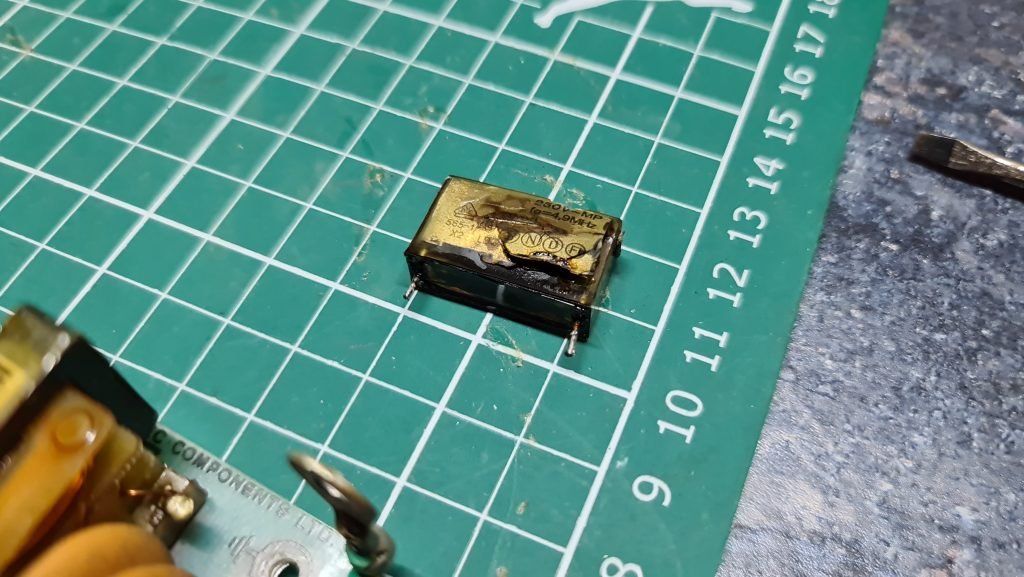
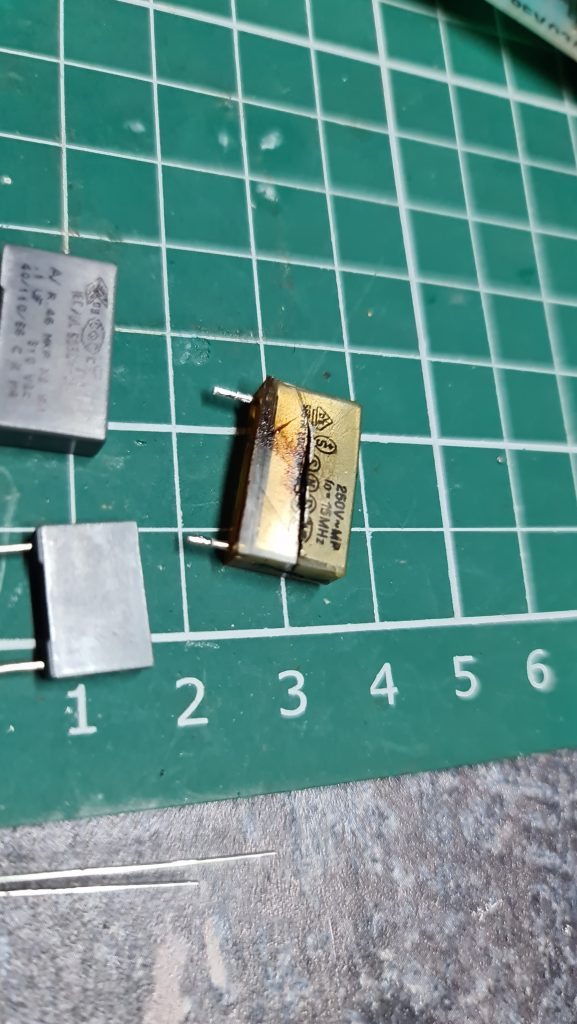
I have already replaced the power supply capacitors which were ready to explode (This is common on all BBC Micros).
Another mod I have also done is fitted the user port with an MMC interface which allows me to load BBC software direct from an SD Card.
Still plenty of more mods to come. Next will be the raspberry pi co-processor upgrade.
First things first. I’m off to play Elite, happy flying commanders o7